 Scrumbee
AI Scrum Master · in Slack
The Scrum Master
that stays on.
Scrumbee watches the work already happening in Jira, GitHub, and Bitbucket, then acts on it inside Slack: standups, sprint movement, blockers, deadlines, and the follow-ups a human Scrum Master cannot sit on all day.
The gap
Work moves. Attention does not.
Tickets change status, pull requests stall, and deadlines slip in tools the team already uses. A person cannot watch every signal. Scrumbee can, and it brings the ones that matter into Slack while there is still time to act.
- 01Sprint boards update, but nobody is looking at them between ceremonies.
- 02Blockers sit in Jira while the conversation has already moved on in Slack.
- 03Reviews wait on GitHub or Bitbucket without a timely nudge to the team.
- 04Standups become status theater instead of a picture of actual work.
How Scrumbee works
Connect tools. Read the work. Act in Slack.
The sequence is deliberately short. Scrumbee is not a reporting warehouse. It is a working Scrum Master that uses the team’s existing systems as its source of truth.
- 01
Connect
Authorize Slack, then Jira, GitHub, and/or Bitbucket.
- 02
Observe
Receive the work signals those tools already emit.
- 03
Understand
Assemble a picture of progress, stall, and ownership.
- 04
Notice
Surface blockers, idle tickets, and reviews that wait.
- 05
Act
Standups, reminders, sprint summaries, follow-ups.
- 06
Stay aligned
The team hears it in Slack, where they already talk.
Active Scrum Master
It does not just display data.
Scrumbee uses work signals to keep the team moving.
Dashboards wait to be opened. Scrumbee posts, reminds, and answers in the same Slack threads the team already uses — including daily progress, ticket movement, ceremonies, and accountability follow-ups.
Daily progress
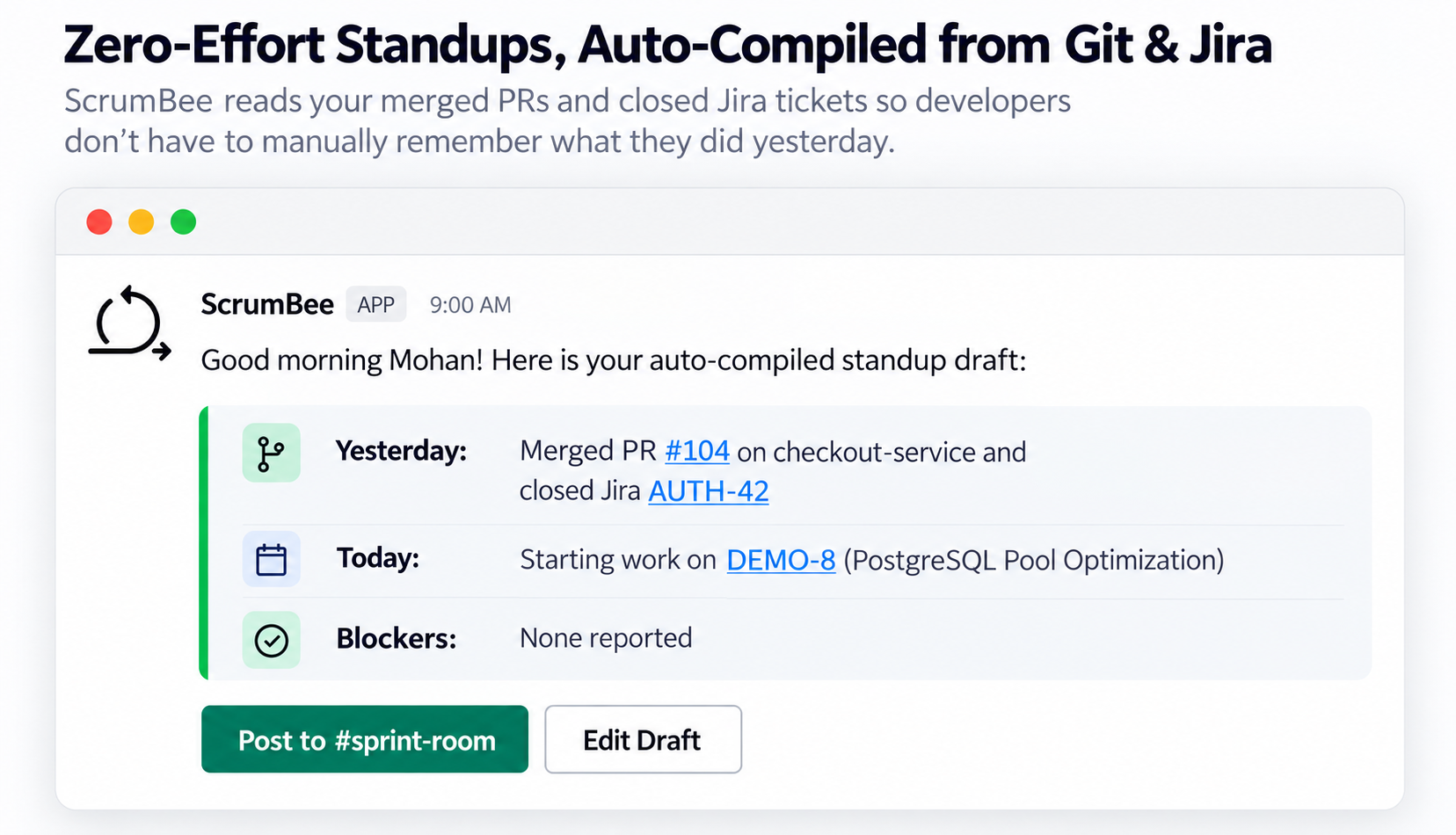
Personal and team standups compiled from actual ticket and code activity.
Task movement
Status changes in Jira become visible in Slack instead of disappearing into the board.
Blockers
Issues that sit blocked, or PRs that wait on review, are called out with context.
Deadlines & sprint health
Remaining work, in-review items, and due dates are summarized while the sprint is live.
Ceremonies
Standup cadence and sprint summaries support the ritual without replacing the team.
Follow-ups
Recommendations and reminders go to the people who can act, in Slack.
Core Workflows
This is what your team actually experiences in Slack.
Autonomous, contextual AI actions in Slack: standups compiled from commits, proactive risk alerts, PR review acceleration, and instant Jira sprint updates.
Zero-Effort Automated Standups
Compiled from Jira and GitHub activity with 1-click channel sharing.
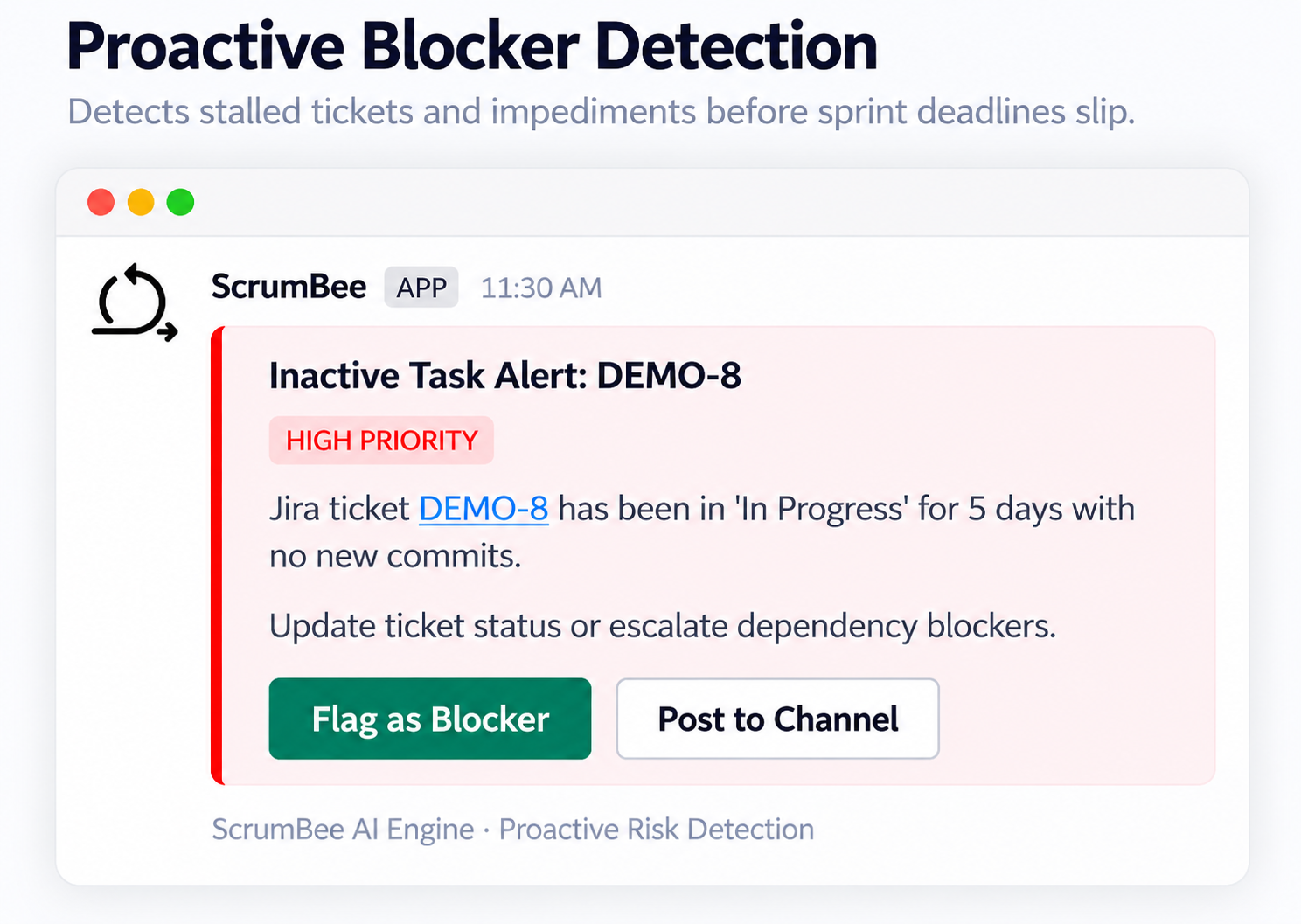
Proactive Blocker & Inactivity Watchdog
Alerts on stalled tickets and blocked status before sprint deadlines slip.
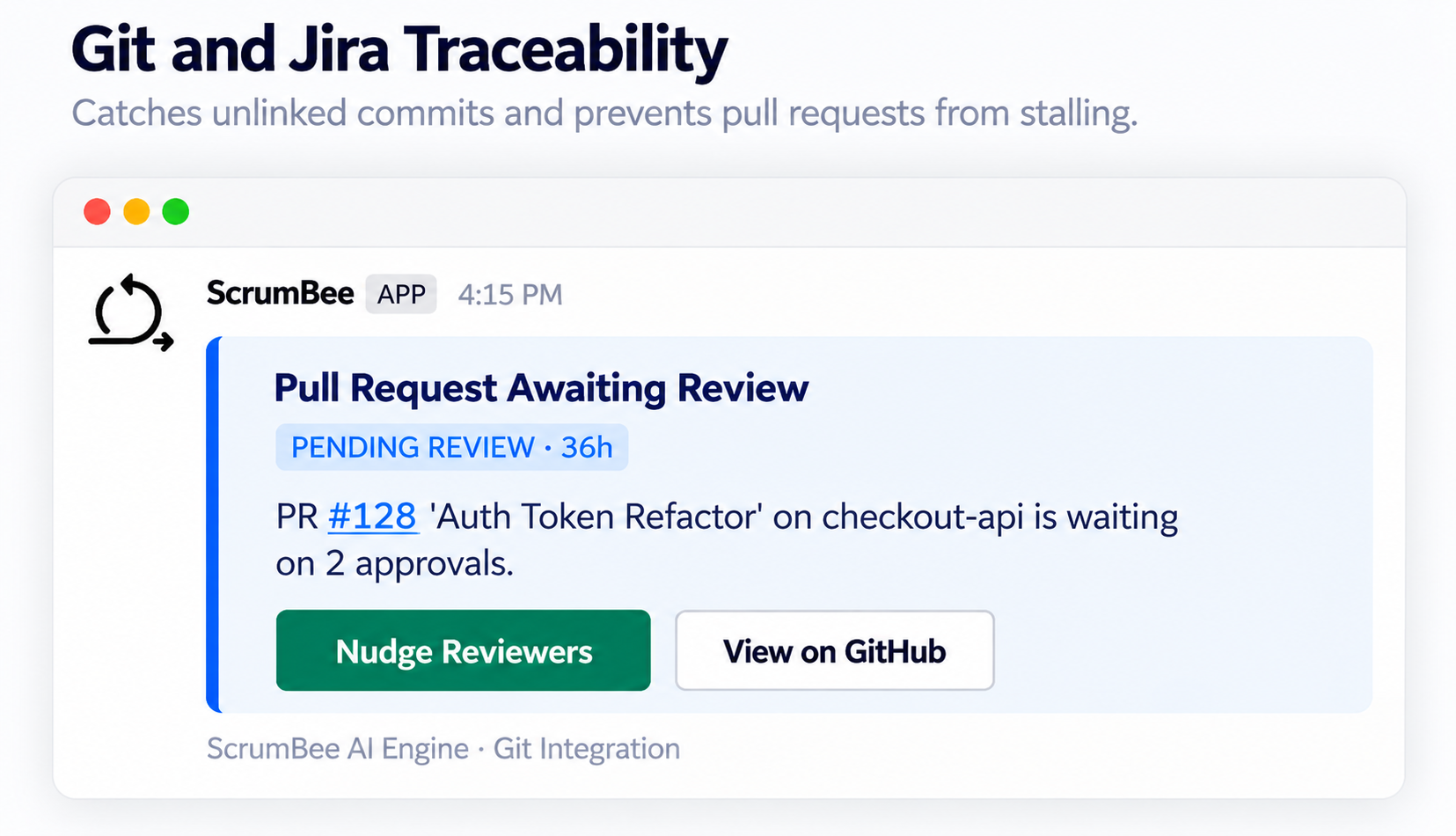
Git & Jira Traceability & Stale PRs
Catches unlinked commits and speeds up pending code reviews.
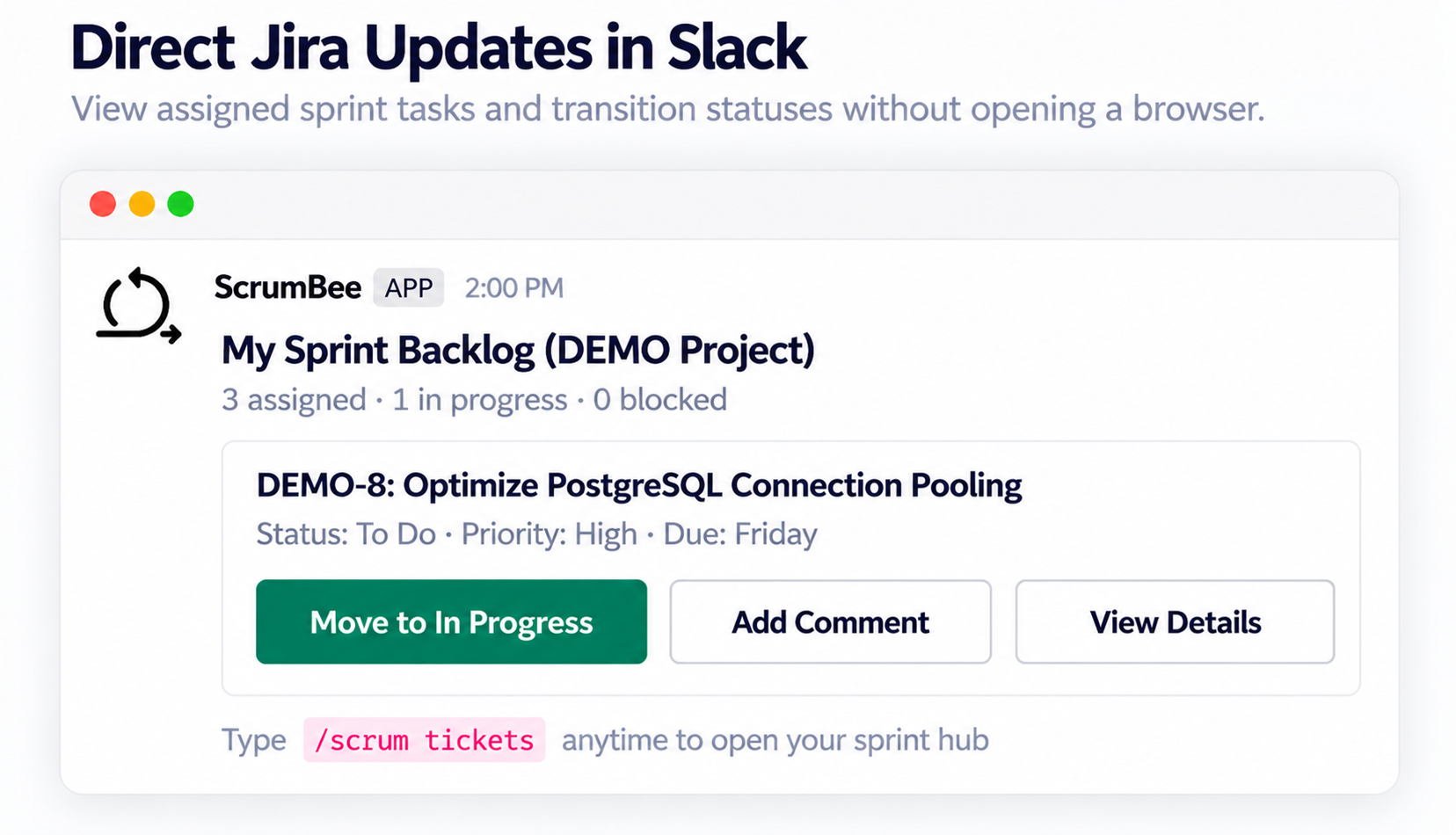
Direct Jira Sprint Hub in Slack
View assigned tasks and transition Jira sprint statuses without opening a browser.
Walkthrough
Watch it work with a real team.
The recording belongs here — in the product story, not in a footer. It should show Scrumbee operating inside Slack, not a slideshow of features.
Product walkthrough
This is how Scrumbee behaves inside a real team.
Drop the demo recording at public/product/demo.mp4. Until then, the Slack views on this page show the same cards the bot posts: standups, sprint progress, and follow-ups.
Fits the existing toolchain
Slack is home. Jira, GitHub, and Bitbucket are the work.
Jira
Projects, issues, status, assignment, and sprint progress.
GitHub
Repositories, pull requests, commits, and review activity.
Bitbucket
The same development signals from Bitbucket workspaces.
Slack
Where Scrumbee talks to the team and runs the Scrum Master loop.
Access is granted through each platform’s official authorization. Details of what is requested — and why — are on the security page.
Connect the workspace your team already uses.
Scrumbee is installed into Slack. From there, the team authorizes Jira, GitHub, or Bitbucket using each platform’s official sign-in flow. There is no separate email signup.
Connect Slack workspace